

AI ELD
Feb 19, 2026
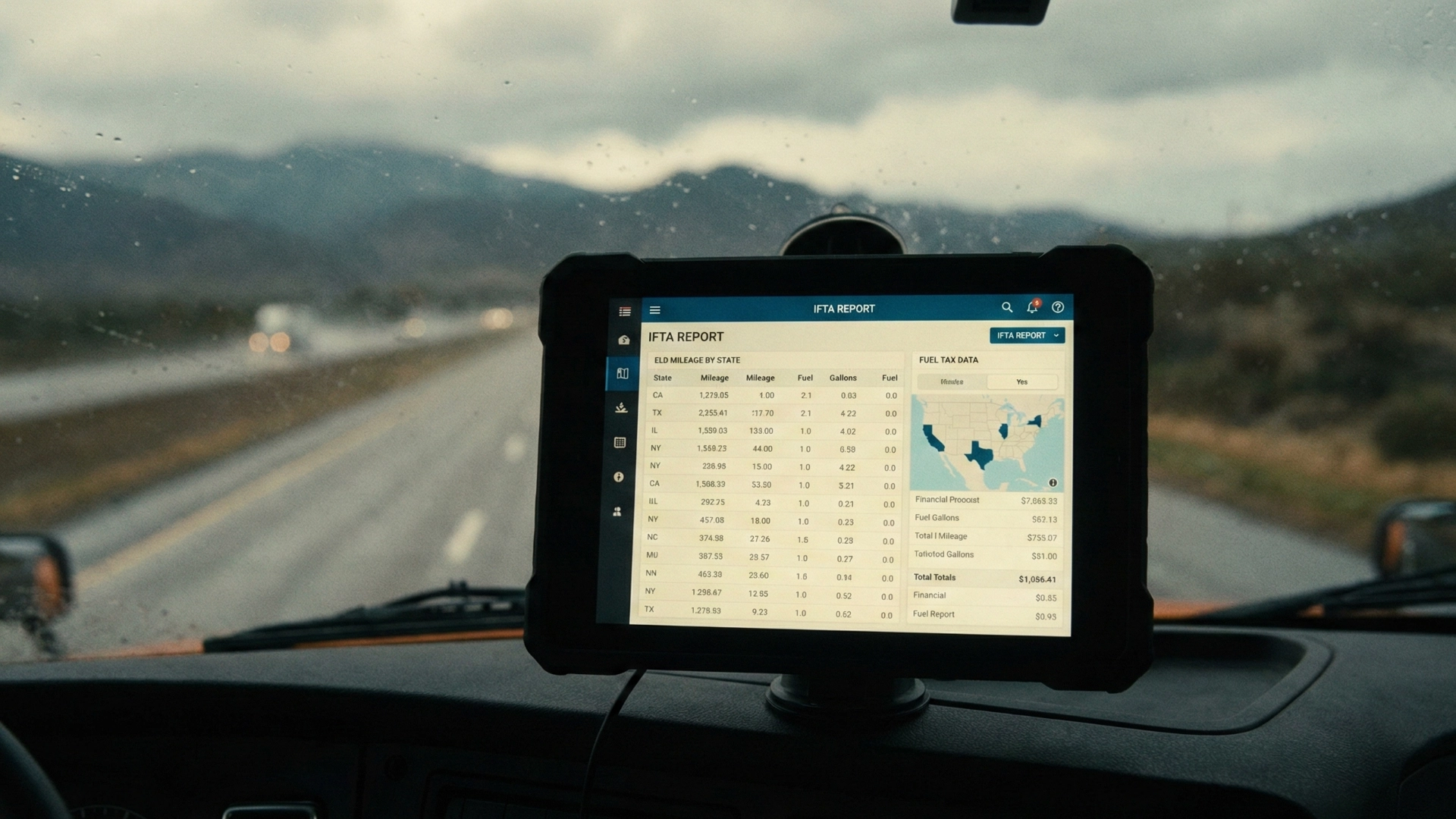
IFTA reporting is the kind of task nobody enjoys, but everyone feels when it goes wrong. Mileage has to be correct by state, fuel records have to match, and gaps in the data quickly become questions during an audit.
According to our ELD specialist, if you are still relying on manual tracking and data entry in 2026, you are already behind. Most fleets are either using ELD data for IFTA reporting or pulling miles from GPS tracking systems, sometimes with specialized software on top that simply aggregates what the ELD and telematics already know.
This article looks at what your expert sees in the field, where fleets still struggle, and how IFTA reporting turns a messy chore into a predictable process.
Our expert’s view is straightforward. In modern fleets, manual IFTA reporting is the exception, not the norm.
Most fleets now:
When fleets do not rely on ELD data properly, they often fall back to:
That is where the problems start.
Our expert did not soften the point. If you are doing anything other than pulling data automatically from your ELD or telematics, you will have issues.
The most common problems they see when fleets try to do IFTA reporting without proper ELD data are:
Even with good intentions, humans forget, miscalculate and misplace information. When IFTA returns depend on that kind of manual reconstruction, the risk of errors and awkward questions during a review goes up fast.
For clean IFTA reporting with ELD data, our expert highlighted a few essential capabilities.
A good ELD system should give you:
It is not enough for this information to exist somewhere in the background. The ELD must also package it in a comprehensible, easy to digest format. If safety or accounting has to export raw logs and build all reports manually, the value of the system drops and mistakes creep back in.
When IFTA is handled manually, enterprise fleets often end up with a bureaucratic process that takes hours and involves several people chasing missing information.
Your expert contrasted that with a proper ELD based IFTA workflow.
With a good system, the process becomes:
In other words, the ELD should turn what can feel like a paperwork nightmare into something that is routine. The gain is not just time. The risk of leaving out miles, misreading trips or overlooking fuel receipts is much lower when the data is automated and consistent every period.
Our expert shared an example that shows how bad or incomplete mileage data turns into IFTA stress when the ELD does not perform well.
A company using a previous ELD service had recurring problems where chunks of mileage data were missing. Often they could fill the gaps easily. Sometimes they could not.
One route involved going south on I 91 through Massachusetts for about 60 miles. More than once, they ended up with:
This situation is fixable once you see it. You can infer the missing segment and correct it. But it should not happen in the first place. A reliable ELD provider with solid location and mileage records would have avoided the inconsistency and the extra work that followed.
For IFTA, repeated patterns like this are not just annoying. They can trigger questions in IFTA audits and force the carrier to spend time explaining why fuel and miles do not line up.
When an IFTA audit or review comes up, our expert’s advice is simple. Data is your friend, as long as you can actually get to it.
Every audit is a bit different, and requirements can vary. That is why they recommend pulling everything that relates to the scope of the review, not a minimal subset. With a good system, such as AI ELD IFTA reports, this does not create extra work. It is a matter of selecting the right period and exporting the data.
From there, the checklist for an audit preparation often includes:
If the ELD and telematics have been capturing clean data from day one, this step is confirmation rather than reconstruction. The fleet is not scrambling to guess at where trucks were. It is verifying what the records already show.
At the end of your discussion, your expert offered a short checklist for fleets that want to use ELD IFTA mileage reports correctly month after month.
None of these steps require new headcount or exotic tools. They require choosing an ELD that records mileage and location consistently, turning on the right reports and exports, and sticking to a process.
For fleets that cross multiple states and handle significant fuel volumes, IFTA reporting with ELD data is no longer a nice to have. It is the practical way to keep filings accurate, avoid avoidable questions in audits and free safety and accounting teams to focus on work that moves the business forward instead of repairing weak mileage records.
If you want to see how AI ELD handles IFTA mileage and fuel tax reporting in practice, you can book a demo.